
 Image 1 of 14
 Image 2 of 14
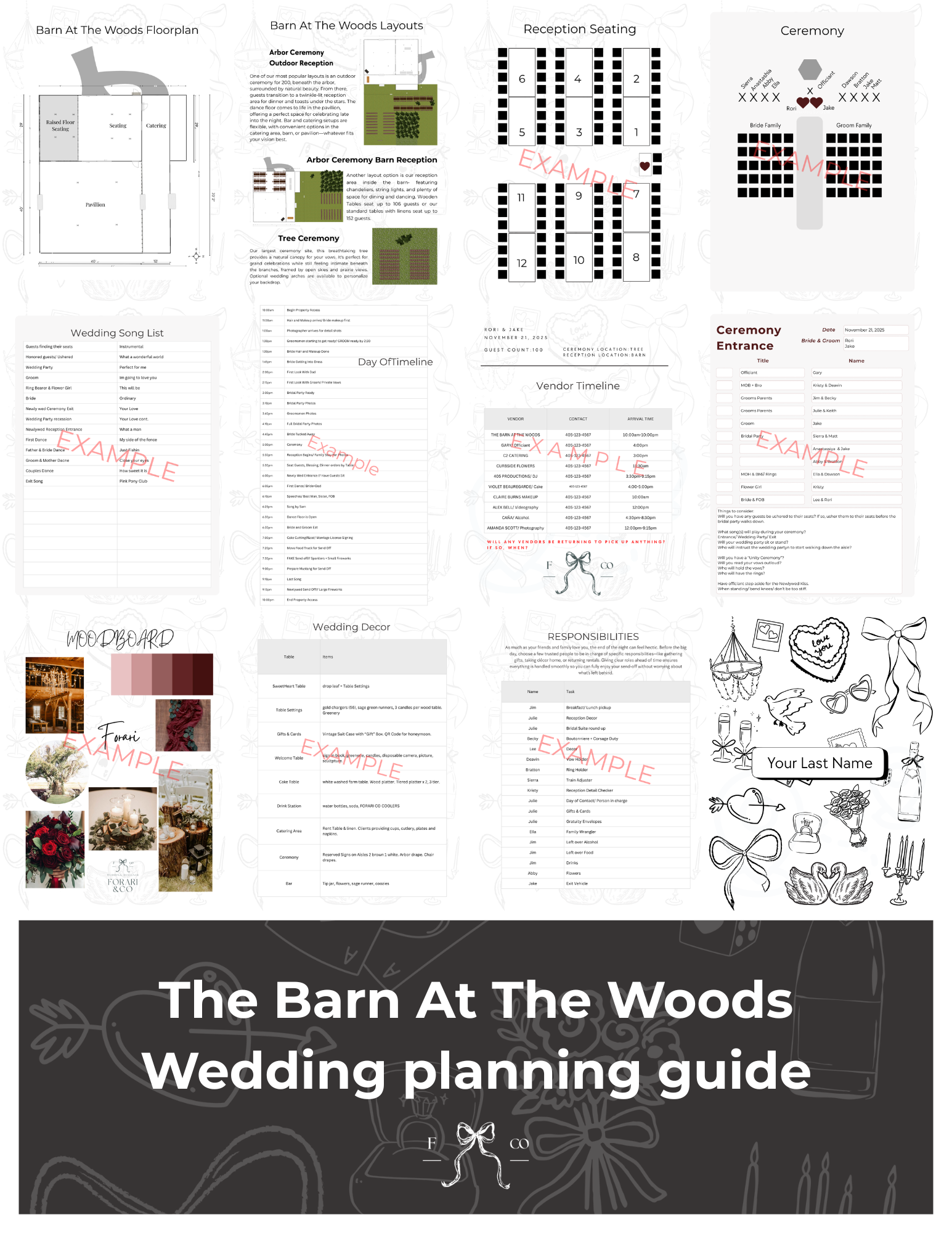 Image 3 of 14
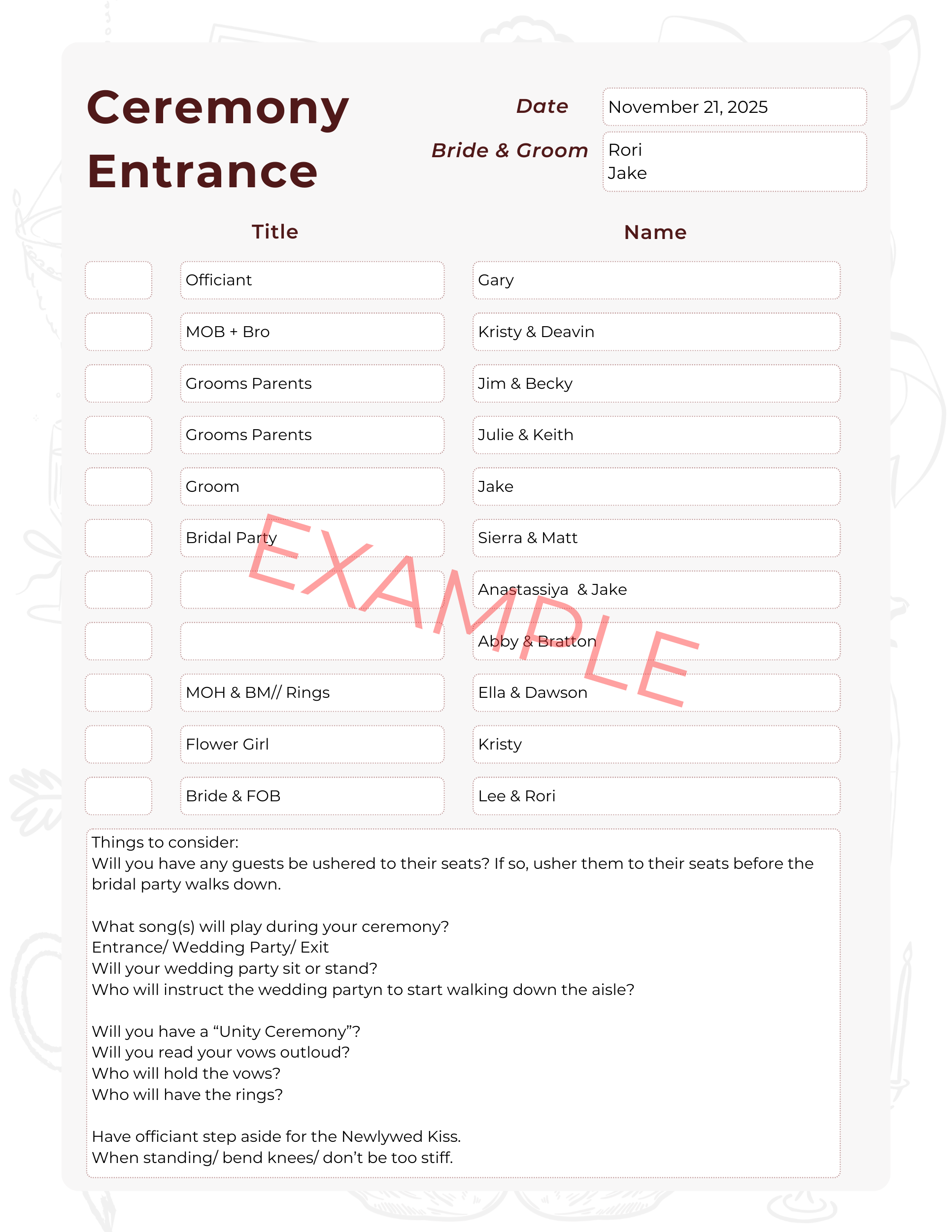 Image 4 of 14
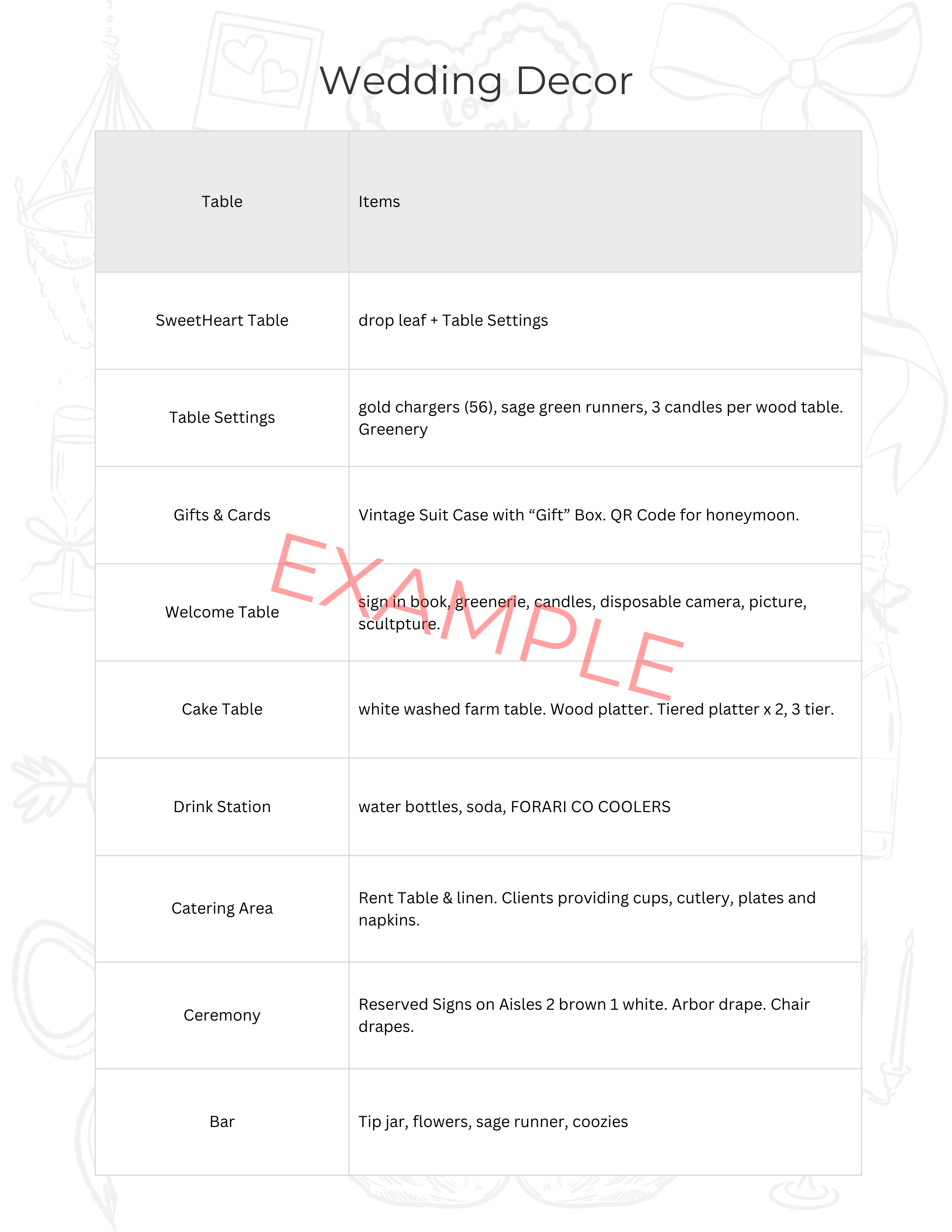 Image 5 of 14
 Image 6 of 14
 Image 7 of 14
 Image 8 of 14
 Image 9 of 14
 Image 10 of 14
 Image 11 of 14
 Image 12 of 14
 Image 13 of 14
 Image 14 of 14
HOW DOES IT WORK:
• After your Digital Download purchase you will receive a PDF file with a LINK to your Canva template. The PDF file also includes brief instructions for editing and printing.
• Once you have downloaded your file and booked your vendors, your professional meeting will be scheduled. Expect an email from me.
HOW DO I RECEIVE MY PURCHASE?
1 | Purchase the wedding planning template
2 | Visit your email to get access to your purchase
3 | Download the PDF file, open the PDF and click on the link
4 | A new window will open for you to start using the wedding planning template
5 | The wedding planning template can now be accessed and edited in your Canva account
NOTE: If you do not have a Canva account, you will be instructed to make one at this time, which can be a free account or paid (you only need a free account to edit this template)
If you want to print a physical copy of your digital planner, the template is scaled to 8.5x11" pages to easily print at home, through Canva, or at a local print shop.
These digital templates are fully customizable to fit your needs! You can edit in Canva (www.canva.com) for FREE on your computer/iPad/phone. This template only uses FREE fonts and icons through Canva.
- No download or time limits on any of the designs - full access
-Templates can only be edited on a computer, iPad, or smartphone; however, we recommend a laptop or desktop computer for the easiest editing experience